Installing on VS Code
Visual Studio Code Extension
First, make sure you have Visual Studio Code Installed.
The VS Code extension can be found at the extensions marketplace here.
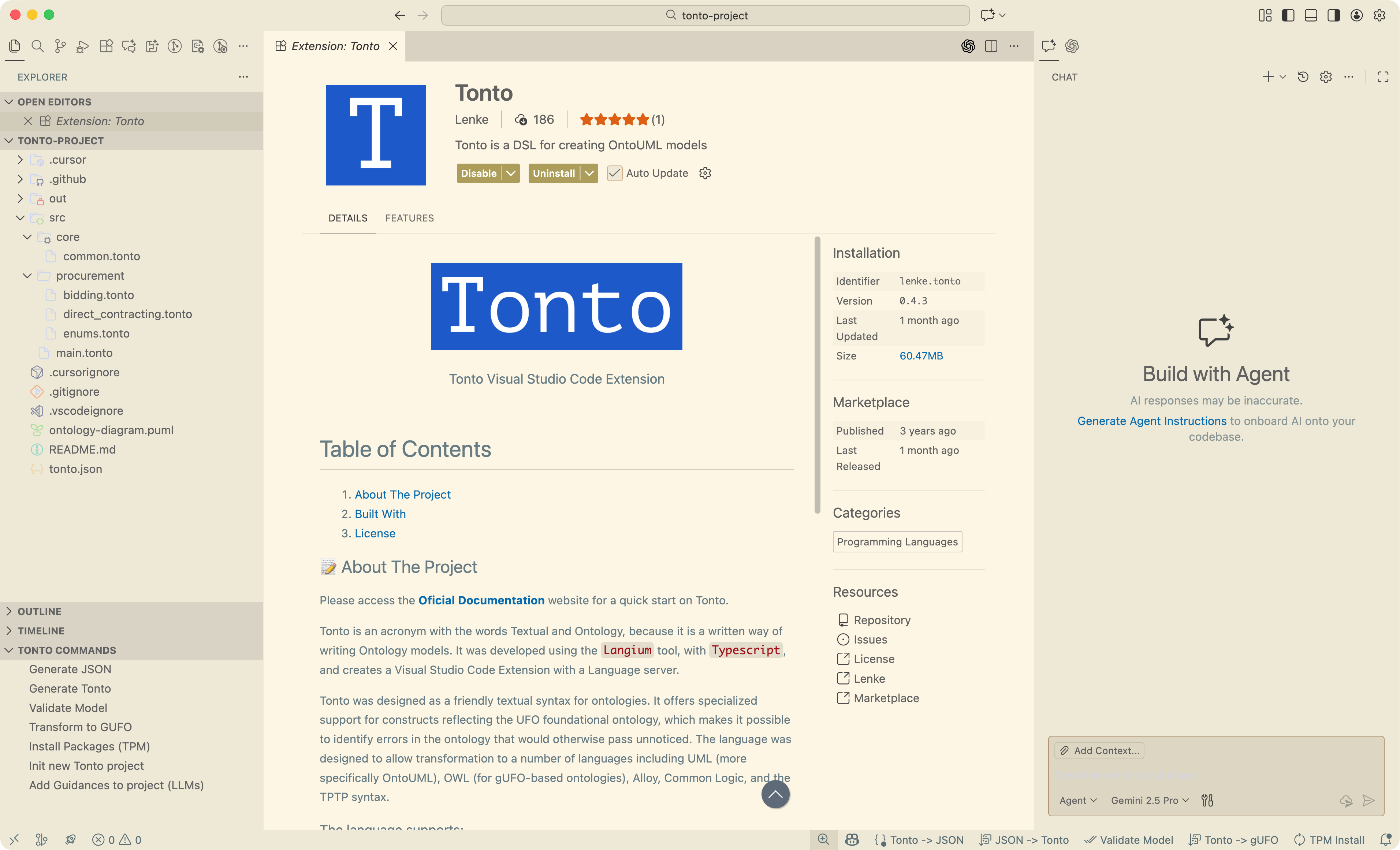
By using Langium, we could create a Language Server Protocol (LSP) and a Visual Studio Code extension for Tonto. The extension recognizes .tonto files and provides some key features to help with conceptual modeling. Every functionality needed to work with Tonto is embedded in the extension, so there is no need to install any extra tool. However, in case you need it, the CLI and Package Manager are available as separate tools.
Tonto CLI
To install Tonto CLI you need Node.js installed with a version 18.x or higher. Tonto CLI works on Windows, Linux and MacOS. To install it globally on your environment, please run the following command:
npm i -g tonto-cli
Tonto Package Manager
Tonto Package Manager allows you to manage your models as libraries in common programming languages. It works similarly to Tonto CLI, and you can install it globally by running the following command:
npm i -g tonto-package-manager